Best Social Media Management Tools for Small Businesses
If you run a small business, one question matters: does this tool take work off your plate in a busy week? Can you write an offer once, have it go out while you're serving customers, and let someone help without the bill blowing up?

My shortlist:
- Try Buffer if publishing across a few accounts is the job you need to simplify.
- PostPiper is worth comparing if you already draft with AI tools and publish to X, LinkedIn, or Facebook.
- Compare Later if you run a visual business and need to plan your Instagram feed.
- Compare Metricool if you regularly use reports to decide what to do next.
- Compare Hootsuite if handling customer conversations needs a shared inbox.
And if what you have already works, you might not need another subscription at all.
This guide prices three real-world setups: one owner with three accounts, two locations with an assistant, and a B2B business with nine accounts. It also explains what I'd check before renewing a plan. For a broader introduction, see our small business social media management tools overview.
I'm Kevin Wu, founder of PostPiper, so I have a commercial interest in this comparison. I checked the linked vendor plans and documentation on October 28, 2026. The picks are my read of those features and limits. The budgets are math, not measured time savings. Prices are USD before tax. Annual prices are monthly equivalents paid yearly.
Social media management tools for small businesses: choose by the work you need done
| Tool | The job I would buy it for | Entry offer | What could make it a poor fit |
|---|---|---|---|
| PostPiper | Move reviewed AI-assisted drafts into a posting schedule | Pro: $10/month for 1,000 successful posts; $25 for 3,000; unlimited connected accounts | Scheduling supports X, LinkedIn, and Facebook. Instagram and TikTok scheduling aren't available; analytics are coming soon |
| Buffer | Prepare the week's posts without logging into each account | Free: 3 channels and 10 queued posts per channel. Essentials: $6/channel monthly or $5/channel/month paid yearly | Essentials has 1 user. Team adds approvals and unlimited users at $12/channel monthly or $10 paid yearly |
| Metricool | Review results before deciding what to post next | Free: 1 brand and 20 posts/month. Starter for up to 5 brands: $25 monthly or $20/month paid yearly | Free excludes LinkedIn and X. X costs extra on paid plans; team roles and approvals need Advanced |
| Later | Arrange upcoming Instagram content for a shop, salon, or restaurant | Starter: $25 monthly or $18.75/month paid yearly; 1 social set, 1 user, 30 posts/profile/month | A social set holds one profile per supported network. Starter cannot add extra sets or users |
| Hootsuite | Share responsibility for customer messages and replies | Standard lists 10 accounts and a 14-day trial; confirm the current USD price per user | Approvals are listed on Advanced. Budget for the required seats and workflow tier |
Sources: each tool's linked pricing page, Buffer's plan details, and Metricool's plan and add-on guide. Hootsuite's page did not expose a numerical USD price in the version I could verify, so I haven't repeated a third-party starting price.
What do small businesses need social media management to do?
I'd judge a tool against a normal working week, with customers to serve and a limited amount of time for marketing:
- Keep useful posts going out when you're busy. Prepare the opening-hours update, product launch, or available appointment slots in advance. Check the final post on the actual account, not just in the calendar.
- Make a weekly batch quicker. Count the time spent finding photos, writing captions, resizing media, reviewing drafts, and fixing errors. A faster scheduling screen only solves one part of that work.
- Let another person help. An assistant should know what to draft and what needs your approval. Price that person's access before choosing a plan.
- Keep customer questions from falling between people. If replies are the problem, test inbox coverage and who handles each message. Scheduling and customer service are different buying requirements.
- Help you make a business decision. For a salon, look at appointment inquiries; for a shop, product questions or orders; for a B2B service, qualified conversations. Reach and likes are context. Those outcomes are what count.
- Keep the bill understandable. Count the accounts, users, approvals, and add-ons you'll actually need. Check the annual payment and renewal date as well as the headline monthly rate.
One owner put the time problem plainly:
“I find it really time consuming to stay consistent with social media while managing everything else.” — u/mpoweruat, asking small-business owners how they manage the workload
Another reader found a different bottleneck:
“posting was never the bottleneck, making the content was” — u/Infamous-River-4360, explaining why a paid scheduler would mainly save them a few logins
That's two people, not a survey. But the lesson holds: name the task you want gone before you compare plans. If you have no photos or useful updates ready, start with a small content routine. You can compare schedulers once there's something to schedule.
PostPiper: for small businesses already drafting with AI tools
If you already prepare drafts in ChatGPT or Claude, I'd compare PostPiper for the next step: reviewing a draft and putting it on the calendar for X, LinkedIn, or Facebook. You can also use the calendar directly. The API and MCP are there if you want to connect it to other tools, but you don't need them to get started.
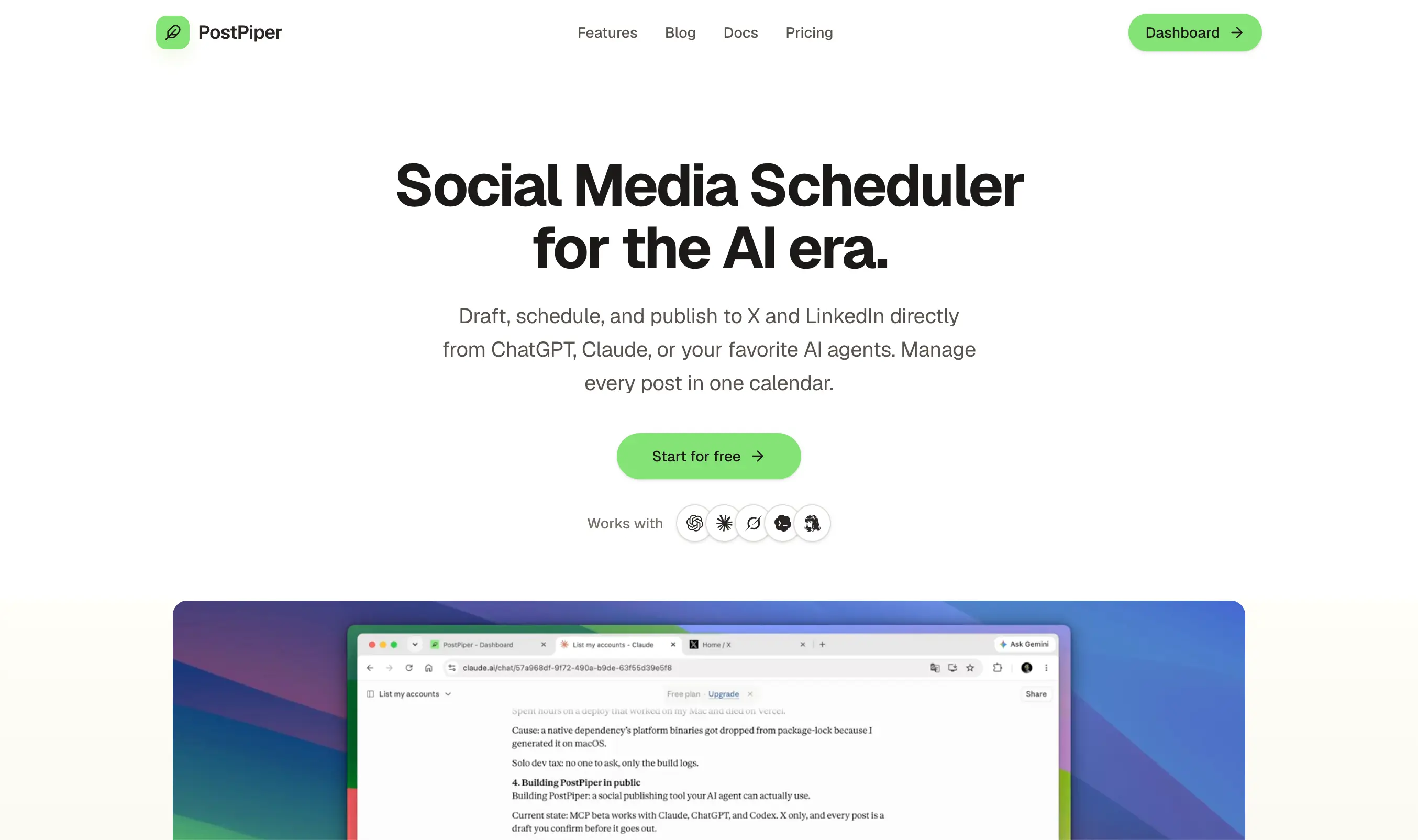
Our Pro plans include unlimited connected accounts, with 1,000 successful posts per month for $10 or 3,000 for $25. So adding another supported profile doesn't change the price. See the API quickstart and AI-client setup guide for the integration details.
When I'd choose something else: PostPiper doesn't currently schedule Instagram or TikTok, and analytics are still coming soon. A shop whose main work is Instagram content, or an owner buying a reporting tool, needs a different shortlist. And telling an AI assistant to wait for your OK isn't the same as a real approval step. Check that the review you need is actually enforced.
Buffer: my starting point for a small publishing routine
I'd try Buffer Free if you're running a few accounts yourself and need to get posts out consistently. Its three-channel limit is easy to understand, and the ten-post queue per channel refills as posts go out. That's a cap on how many posts can wait in line, not ten posts a month.
If you batch next week's offers in one sitting, you can try a posting routine before paying for anything. I'd upgrade once the queue, or a paid feature you're missing, starts getting in the way.
The trade-off comes when you add channels or a second person. Essentials has one user; Team is the plan to compare for approvals and shared access. Four accounts on Team cost more than four on Essentials, even if your posting volume stays the same. The official plan comparison explains those boundaries.
Before paying: try the kinds of posts your business actually uses. Buffer documents that Instagram Post and Story music, stickers, and some other effects need notification publishing, where you finish in the native app. Reel music support depends on the connection and workflow. If you need a promotion to go live while you're with a customer, check whether your format publishes automatically. Our Buffer scheduling walkthrough explains queues and exact times.
Metricool: my pick when reporting is the bigger job
I'd compare Metricool when you regularly pull reports, track competitors, or manage several business identities. Starter includes PDF/PPT reports and analytics history, while its brand-based structure can suit several accounts spread across different networks.
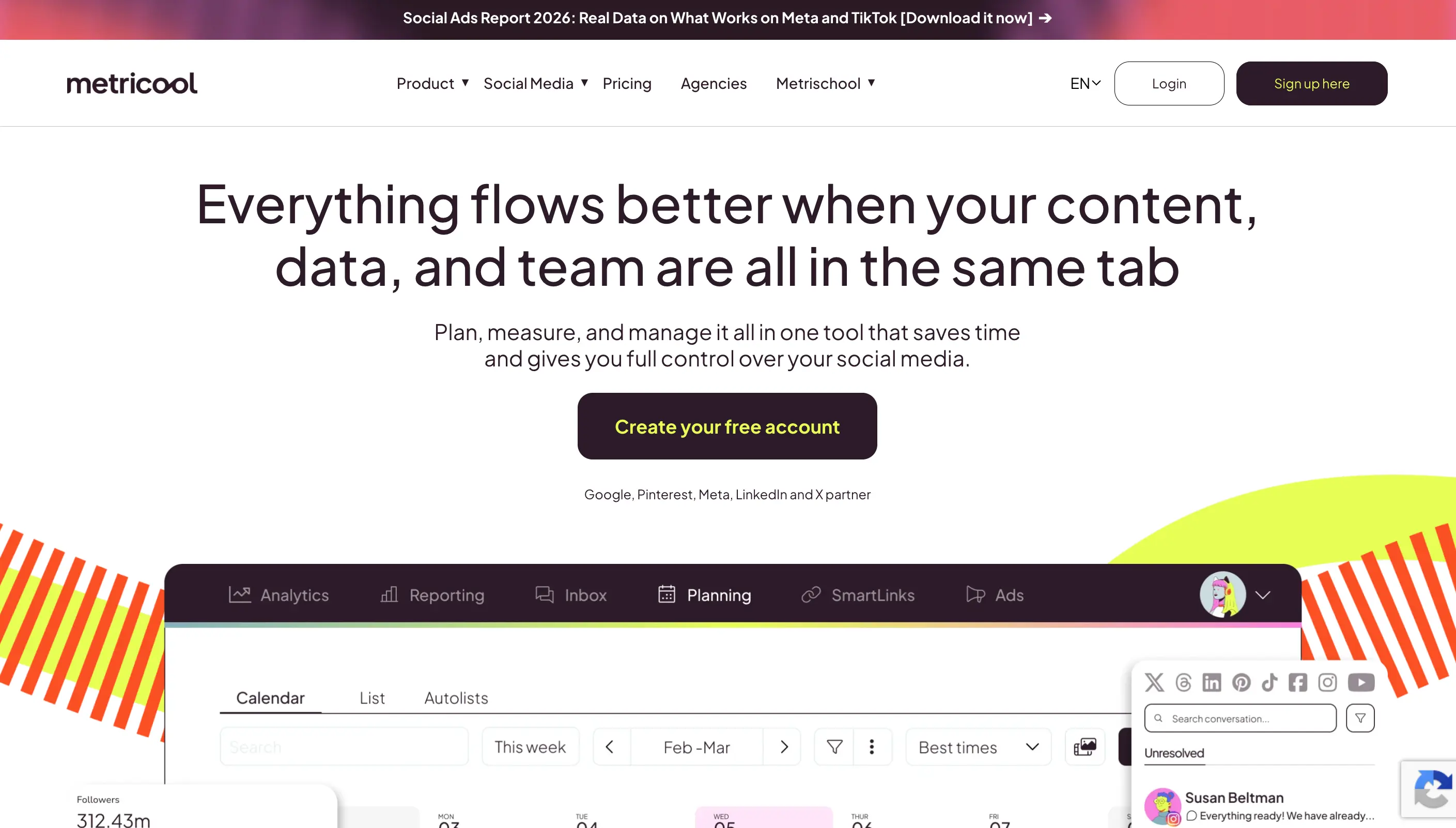
A Metricool brand holds one profile per network. Two Instagram accounts need two brands, even if they belong to the same business. Its brand guide makes that unit explicit.
The Free plan is useful for a light schedule, but its 20-post monthly cap, lack of LinkedIn and X, and limited analytics history are limits a real business will hit fast. Team access and approvals sit on Advanced. Also add $10/month for each connected X account to a paid plan. Metricool documents these plan boundaries and add-on charges.
Before paying: make the report you would review each month and write down one decision it helps you make. If you won't use it to change an offer, topic, or posting routine, I'd compare a simpler publishing plan first. For a small team, the relevant price is the tier with the access and approvals you need, including any X charges.
Later: my pick for an Instagram-led business
For a boutique, salon, restaurant, or product shop, I'd look at Later when the arrangement of images is part of the work. Its Visual Instagram Planner previews scheduled content beside published posts and lets you rearrange upcoming posts with drag and drop.

For a boutique showing a new collection or a salon sharing recent work, seeing those images together can help with the weekly plan. I'd buy it for that planning job, not just because you have an Instagram account.
The limits matter for a growing business. Starter has one user and one social set, with 30 posts per profile per month. A second Instagram account needs another set; Starter can't add one. Growth includes two sets, two users, and collaboration features. Check the current plan cards against your account mix before committing to a year.
Before paying: prepare a week's actual photos and videos, including the covers, audio, tags, or other details you normally add. Count any finishing work outside Later. If the planner doesn't reduce that weekly effort, its visual features may not justify another subscription.
How do Buffer and Later compare for Instagram?
Choose Buffer when a queue and flexible account count solve the job. Compare Later when previewing the feed and arranging visual content is central to your routine. For several Instagram accounts, calculate Buffer's channel bill against the Later tier that includes enough social sets. Test your actual Reel, carousel, or Story before moving the calendar.
Hootsuite: my pick when customer conversations need a shared workflow
I'd put Hootsuite on the shortlist when publishing is only part of social media management. Standard lists ten social accounts, an inbox, monitoring, and unlimited scheduling. Those features are worth evaluating when customer questions and brand conversations create as much work as the content calendar.
The buying decision should include the people handling those conversations. Hootsuite prices plans per user, and its current plan comparison places review and approval on Advanced. A one-user plan and a team plan with approvals are different purchases, so price the one you'll actually need.
I couldn't verify a numerical USD price from the current official pricing page, so get a quote for the tier and seats you need. The listed 14-day trial also has daily posting limits and excludes bulk scheduling. I'd use it to rehearse the inbox handoff before making a longer commitment. If one owner checks a few messages a day and only needs a posting calendar, I'd compare a simpler option before paying for this broader suite.
How much will social media management cost for your accounts?
For the first ten channels, Buffer Essentials costs $6 per channel on monthly billing, or $60 per channel for a year. Team costs $12 monthly, or $120 per channel for a year. Here is the arithmetic for one to ten accounts, using the published pricing bands.
| Accounts | Essentials: monthly bill | Essentials: annual monthly equivalent | Team: monthly bill | Team: annual monthly equivalent |
|---|---|---|---|---|
| 1 | $6 | $5 | $12 | $10 |
| 2 | $12 | $10 | $24 | $20 |
| 3 | $18 | $15 | $36 | $30 |
| 4 | $24 | $20 | $48 | $40 |
| 5 | $30 | $25 | $60 | $50 |
| 6 | $36 | $30 | $72 | $60 |
| 7 | $42 | $35 | $84 | $70 |
| 8 | $48 | $40 | $96 | $80 |
| 9 | $54 | $45 | $108 | $90 |
| 10 | $60 | $50 | $120 | $100 |
Annual equivalents require a full year's payment. For example, three Essentials channels are $180 billed yearly. Taxes and discounts can change checkout totals.
Don't translate every competing plan into a cost per channel. Later charges for a tier containing social sets. Metricool charges for a tier containing brands. Your mix of networks determines how many sets or brands you need.
Example 1: one owner, one location, three networks
Assume one Instagram account, one Facebook Page, and one LinkedIn account, with twelve posts on each per month.
- Buffer Essentials: $18 monthly, or $15/month equivalent with $180 paid yearly. Free may also work if you're comfortable refilling its ten-post queue for each channel.
- Metricool Starter: $25 monthly, or $20/month equivalent paid yearly, for up to five brands. Free doesn't cover this LinkedIn account or the total 36 posts/month.
- Later Starter: $25 monthly, or $18.75/month equivalent paid yearly. These three profiles fit one set, and twelve posts per profile fit its monthly limit.
- PostPiper: not a complete fit for this setup because Instagram scheduling isn't available.
My starting test would be Buffer Free. I'd pay for Metricool if its reports remove a recurring job, or Later if the visual planner earns its place in the weekly routine.
Example 2: a second location and a second person
Now assume two Instagram accounts, two Facebook Pages, and two LinkedIn accounts, with an owner approving a teammate's drafts.
| Option | Plan to evaluate | Monthly billing | Annual monthly equivalent |
|---|---|---|---|
| Buffer | Team for 6 channels | $72 | $60 |
| Later | Growth: 2 sets and 2 users | $50 | $37.50 |
| Metricool | Advanced: team roles and approvals | $67 | $53 |
| Hootsuite | Advanced for approvals | Confirm 2-seat quote | Confirm 2-seat quote |
Sources: Buffer, Later, and Metricool. These are illustrative budgets for the stated account mix, not a ranking of approval quality. Rehearse an edit after approval and confirm who can publish directly.
Example 3: a B2B business with nine accounts
Assume three accounts each on X, LinkedIn, and Facebook, with twelve successful posts on each account per month. That's 108 destination posts.
Buffer Essentials works out to $54 monthly or $45/month equivalent paid yearly for one user. Metricool Starter plus three X add-ons works out to $55 monthly, or $50/month equivalent when the base plan is paid yearly. PostPiper's $10 Pro tier covers the stated networks and volume, but doesn't replace Metricool's reporting features.
The calculations use the same rates linked above and Metricool's $10/account X charge. This is the kind of setup where I'd evaluate PostPiper; the Instagram example above is where I'd choose a different tool.
Why might a small business cancel its social media management software?
These are the warning signs I'd check before renewal. They come from what users have said and from documented plan limits, not from any vendor's cancellation numbers.
| Warning sign | What to check | What I would do next |
|---|---|---|
| The bill jumps when someone helps | Price the second user, required approvals, and another account on the same network | Compare the complete team plan; downgrade if you don't use the extra features |
| You still have to finish every post on your phone | Test your usual audio, tags, covers, and Story elements; identify reminders versus automatic publishing | Keep that format native, or choose a tool that supports the part you need automated |
| The calendar stays empty | Separate content preparation time from uploading and scheduling time | Make a repeatable content routine before paying for a larger queue |
| You keep checking whether posts went live | Review failure alerts, reconnect steps, and who retries a missed post | Compare the recovery process and support before switching; don't assume any scheduler never fails |
| The reports don't change a decision | Name the inquiry, booking, order, or other outcome you review alongside engagement | Use a smaller plan if publishing is all you need; investigate the offer and content if customer response is the problem |
| Customer questions still get missed | Test the particular networks, message types, and teammate handoff you use | Evaluate an inbox workflow rather than another calendar |
| The subscription sits unused between campaigns | Count the months you need it and check downgrade, cancellation, and renewal terms | Compare monthly flexibility with the full annual commitment |
The cost of help is easy to miss:
“When I went to add a seat on the tool we're currently using, the price nearly doubled” — u/PabloDiablo_, discussing a small team's software bill
Extra work can also erase the value of a subscription. In a Later discussion, one user described scheduling as taking “the same (or more) time posting as I would natively”; another person in the same thread reported years of use without those issues. Read the contrasting accounts. So test your own formats. It doesn't mean Later fails for everyone.
What happens when a scheduled promotion fails?
For a business, the practical question is who notices and fixes it before the offer expires. Check where the alert goes, who can reconnect the account, and whether the failed post needs a manual retry. Buffer's connection guide explains that refreshing a connection does not automatically retry the failed posts. An expired connection on its own doesn't tell you which tool is more reliable.
Can you cancel before another annual charge?
Check the renewal date, confirmation email, and refund terms before buying a year. For example, Later's policy says plans renew automatically unless canceled and are generally non-refundable, with exceptions reviewed individually. Metricool's billing guide explains that cancellation stops future renewals; paid access continues until the billing period ends. Don't assume removing an app or deleting an account cancels its subscription.
How do you decide whether a paid tool is worth keeping?
Pick a normal week and record the time you spend preparing posts, scheduling them, getting approval, checking publication, answering customers, and reviewing results. Repeat that exercise with the tool. Include setup, manual finishing, and error recovery in the comparison.
For a simple time-value check:
Monthly time value = hours saved × value of one working hour.
Net time value = monthly time value − monthly software cost.
If your hour is worth $50, a $25/month tool pays for itself by saving you 30 minutes a month. That's just an example, not a measured saving or a revenue promise. Time saved can justify a scheduler even when you can't attribute a sale to it; it doesn't prove the marketing itself is working.
Choose one useful business measure as well: appointment inquiries for a salon, product inquiries or orders for a shop, or qualified conversations for a B2B service. Keep a simple record of where those customers came from. If posting is consistent but relevant responses aren't improving, review the content, offer, audience, and channel before paying for more software.
Do you need team collaboration or just solo scheduling?
If you manage the accounts yourself, start with solo scheduling. If an employee or freelancer prepares posts, look for separate logins, draft review, and approval controls. Compare the full cost of that workflow before choosing a plan.
Frequently asked questions
What is the best social media management tool for small businesses?
Choose for the recurring job you need to simplify: Buffer for a small publishing routine, Later for visual Instagram planning, Metricool for reports you use to make decisions, and Hootsuite for a shared customer-conversation workflow. Compare PostPiper if you already draft with AI tools and publish to X, LinkedIn, or Facebook. Price your actual accounts and helpers before choosing.
Are free social media management tools enough for a small business?
They can be enough for one person with a light schedule. Buffer Free has three channels and a refillable ten-post queue per channel. Metricool Free has one brand and twenty posts per month, but excludes LinkedIn and X. Compare those limits with a normal week of work; a free trial is different from an ongoing free plan.
How does Metricool pricing work for small teams?
Metricool prices by plan and brand capacity. Starter for up to five brands is $25 monthly or $20/month equivalent paid yearly. Team access and approvals require Advanced, starting at $67 monthly or $53/month equivalent paid yearly. X adds $10 per connected account per month. Each brand holds one profile per network.
Can PostPiper manage Instagram for my small business?
PostPiper doesn't currently offer Instagram scheduling. It supports scheduling on X, LinkedIn, and Facebook, with calendar, API, and MCP access. Compare Buffer, Later, or Metricool if Instagram is a required destination, and test your particular content format before subscribing.
Why would a small business cancel a social media management subscription?
Reasons to reconsider include a higher bill when adding staff, too much manual finishing, time spent fixing missed posts, unused reports, or a calendar that stays empty because content preparation is the real bottleneck. Check what work the tool removes before renewing.
Will social media management software bring my business more customers?
A scheduler can help you organize publishing, but buying one won't make your posts sell on its own. Track relevant inquiries, bookings, orders, or qualified conversations alongside the time and money you spend. If scheduling is already working, the next improvement may be the offer, content, or channel rather than a more expensive tool.