Best Agentic Social Media Scheduler (2026): 7 Compared
Postiz is my pick for self-hosting or publishing to more networks. Use PostPiper to schedule X, LinkedIn, and TikTok posts from an MCP-compatible AI client, or Buffer if you want a free queue you can keep using. Metricool is a better fit if your agent also needs to pull analytics.
I'm Kevin Wu, the founder of PostPiper. I signed up for and tried all seven tools myself. On November 11, 2026, I checked each vendor's pricing and plan limits against its official sources.
What is an agentic social media scheduler?
An agentic social media scheduler lets an authorized AI agent create or schedule real posts through MCP, an API, or a CLI. The agent needs permission to select the right account and prepare a draft. After review, it can submit the post and check what the scheduler saved.
MCP stands for Model Context Protocol. It lets compatible clients discover and call tools. Check which actions each MCP server can take, what it reports if publishing fails, and who can approve a post. If you mainly need a calendar you operate yourself, see our general scheduling tools comparison.
Seven agentic social media schedulers compared
Start with what your agent needs to do once the caption is written. The destinations listed are supported directly or through documented integrations. Check that your account type and media format work before you switch.
| Tool | Best for | Agent interface | Example destinations | Review or access detail |
|---|---|---|---|---|
| Postiz | Self-hosting and broad coverage | Hosted OAuth MCP, API, CLI | X, LinkedIn, Instagram, TikTok, YouTube | Vendor recommends a human in the loop |
| PostPiper | Founders scheduling from AI clients | Hosted OAuth MCP, REST API | X, LinkedIn, and TikTok through MCP | Tool instructions ask for confirmation |
| Buffer | A small ongoing free queue | Official MCP, GraphQL API | LinkedIn, Instagram, Threads, X | Team plan lists approval workflows |
| Metricool | Scheduling with analytics | Official MCP, API on eligible plans | Instagram, TikTok, Facebook, YouTube | Existing plan and account limits apply |
| PostEverywhere | Hosted setup with media and analytics tools | Hosted MCP, REST API, CLI | Instagram, TikTok, LinkedIn, Facebook | Verify the approval path for your agent |
| Zernio | Building publishing into a product | REST API, hosted MCP | LinkedIn, TikTok, YouTube, Facebook | API-key setup is documented for agents |
| Blotato | n8n and Make workflows | MCP and API key | Instagram, Facebook, TikTok, YouTube | Generating a key ends the free trial |
1. Postiz for self-hosting and broad coverage
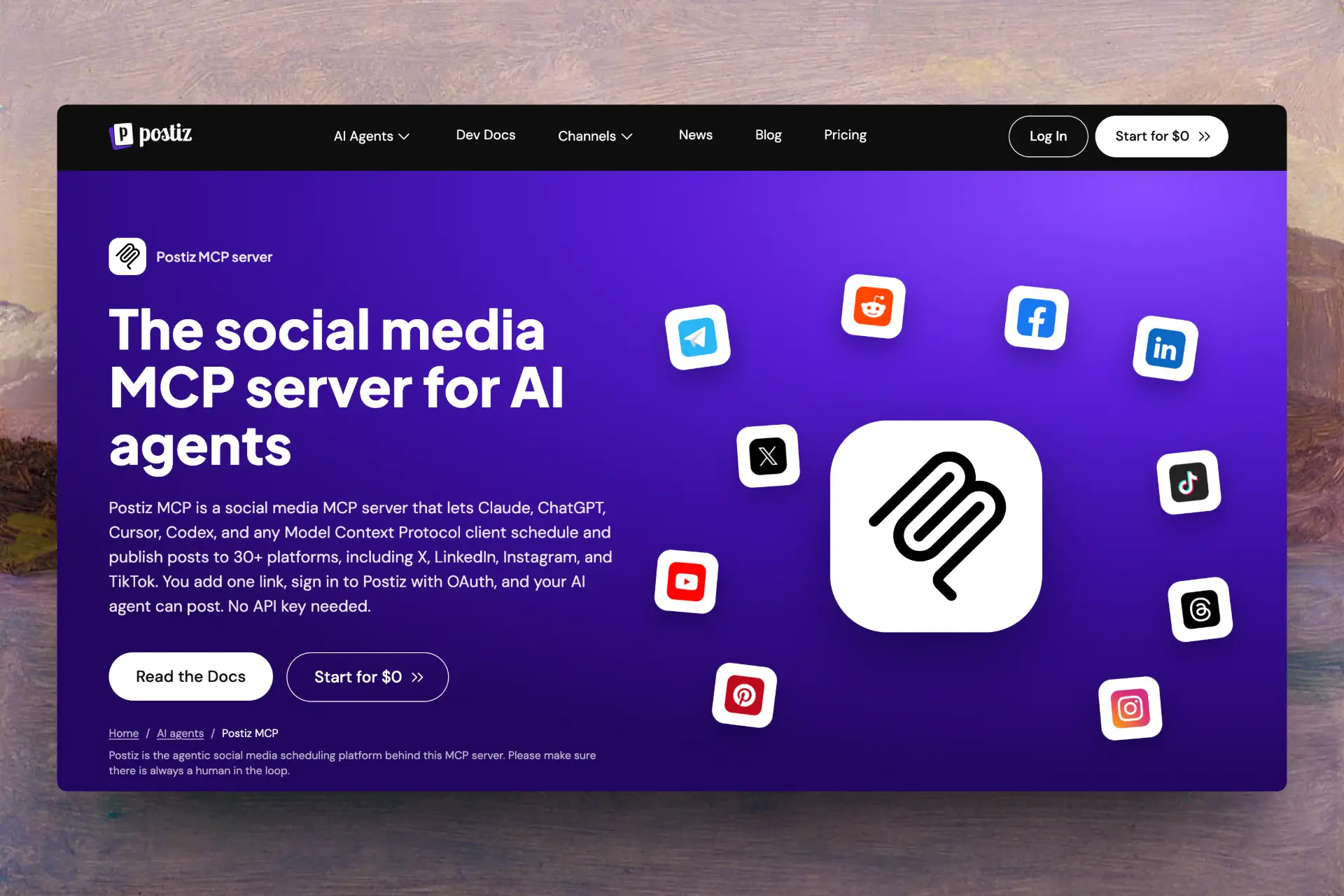
Postiz documents MCP scheduling and publishing across 30+ destinations, including Reddit and Discord. Its hosted MCP uses OAuth, and the scheduler has a self-hosted option. If you need to publish to less common destinations or manage the deployment yourself, Postiz is worth a look. If you self-host, allow time for upgrades, setting up provider credentials, and reconnecting accounts. MCP documentation · Self-hosted repository
2. PostPiper for scheduling X, LinkedIn, and TikTok from AI clients
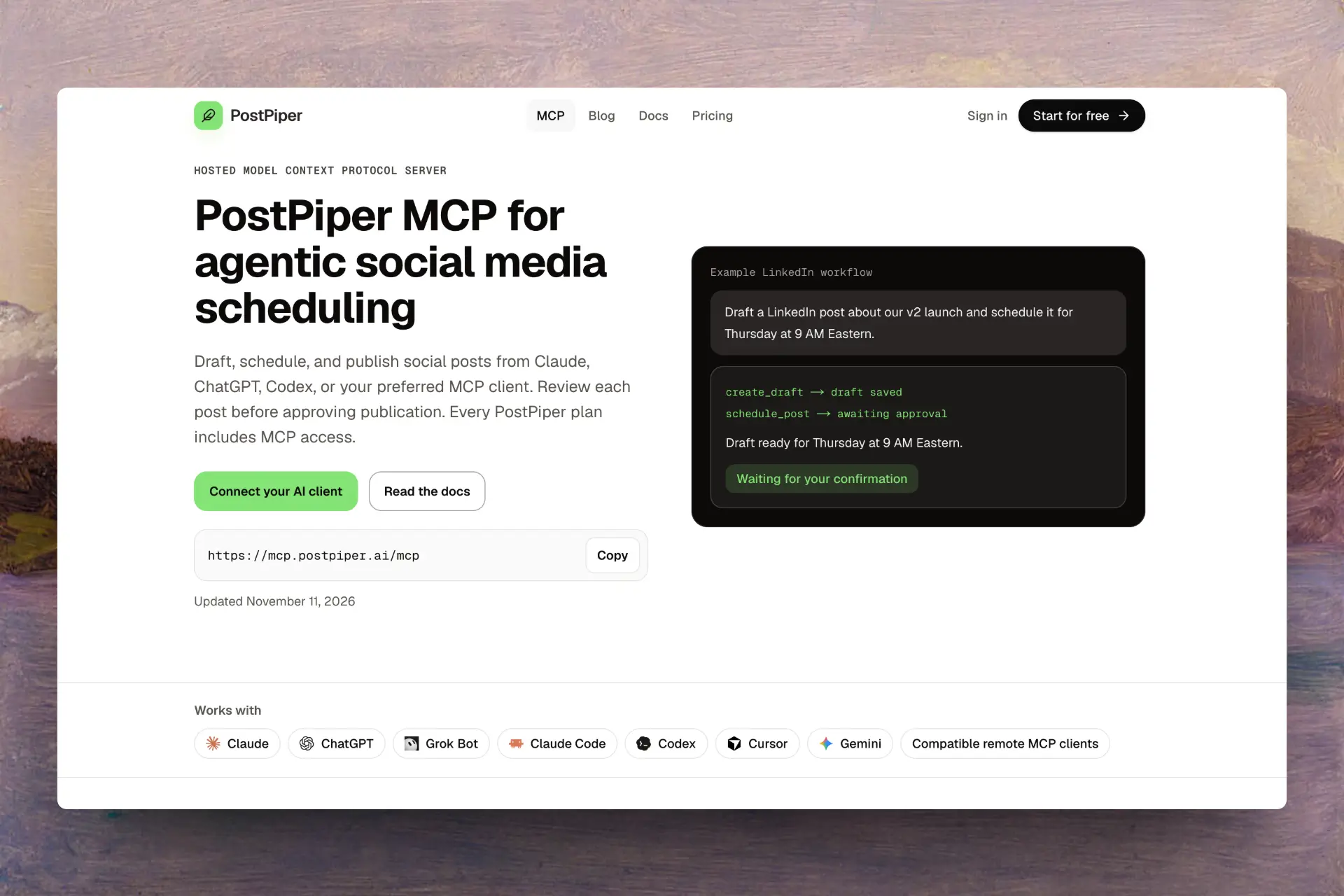
The Free plan includes PostPiper's hosted MCP. From Claude, ChatGPT, Grok Bot, Gemini, Codex, or another client that supports remote MCP with OAuth, you can list connected accounts, create drafts, and schedule posts. You can also look up posts you've saved. The MCP tool instructions require the assistant to ask for confirmation before it schedules or publishes. PostPiper MCP supports publishing and scheduling TikTok videos. Analytics are coming soon. MCP file uploads accept JPEG, PNG and WebP up to 2 MB when the client can send file bytes. PostPiper MCP · Tool reference
3. Buffer for a free posting queue
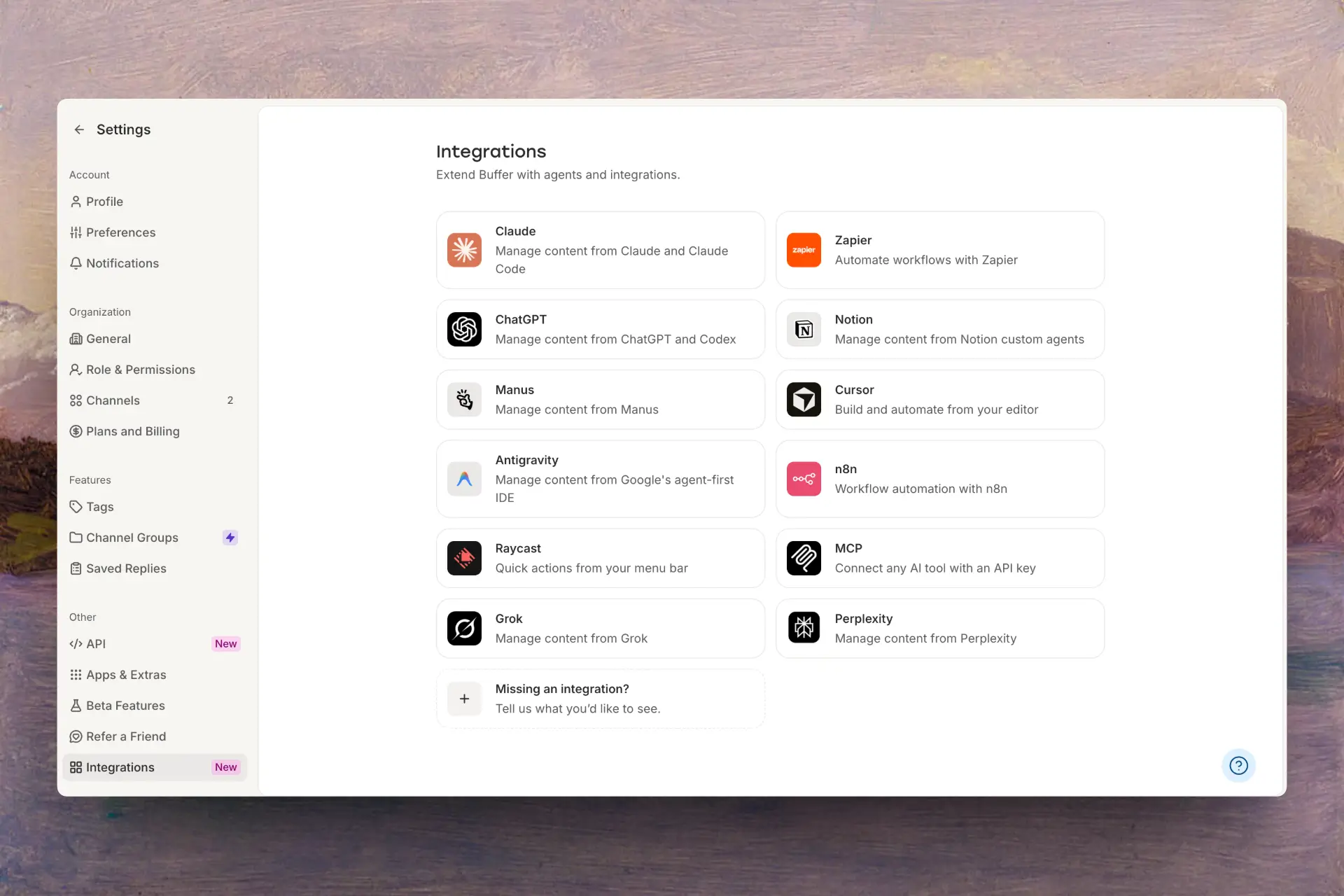
With Buffer's official MCP, you can draft and schedule posts or see what's coming up. The free queue holds up to ten scheduled posts on each of three channels. If several people review posts, check how the Team plan's approval workflows handle posts made through your connector. Buffer MCP · Buffer pricing
4. Metricool for scheduling with analytics
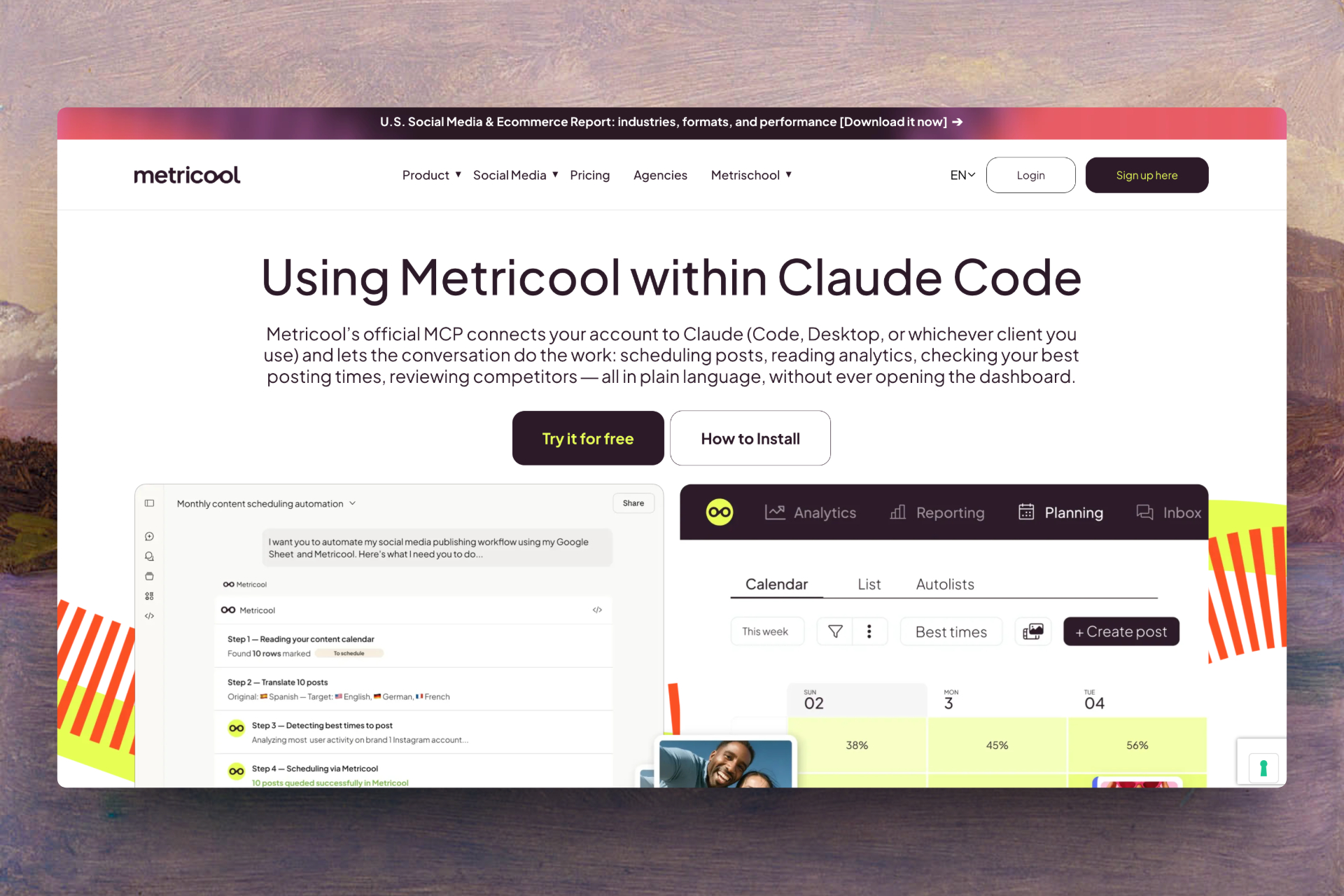
An agent can schedule posts through Metricool's MCP and pull performance, competitor, and ad data if the plan allows it. The Free plan includes the OAuth MCP, one brand, and 20 posts per month. LinkedIn and X are excluded from that plan. If you're writing a workflow that calls the API directly, check the Advanced or Custom plan. Metricool's Claude guide · MCP and API access
5. PostEverywhere for a hosted connector with media tools
PostEverywhere's hosted MCP documentation covers scheduling, media uploads, and analytics. It's an option if you need to upload media as part of a workflow in Claude or ChatGPT. Lite covers two accounts, and Starter covers five. You'll need a card for the seven-day trial. PostEverywhere MCP · PostEverywhere pricing
6. Zernio for building a publishing integration
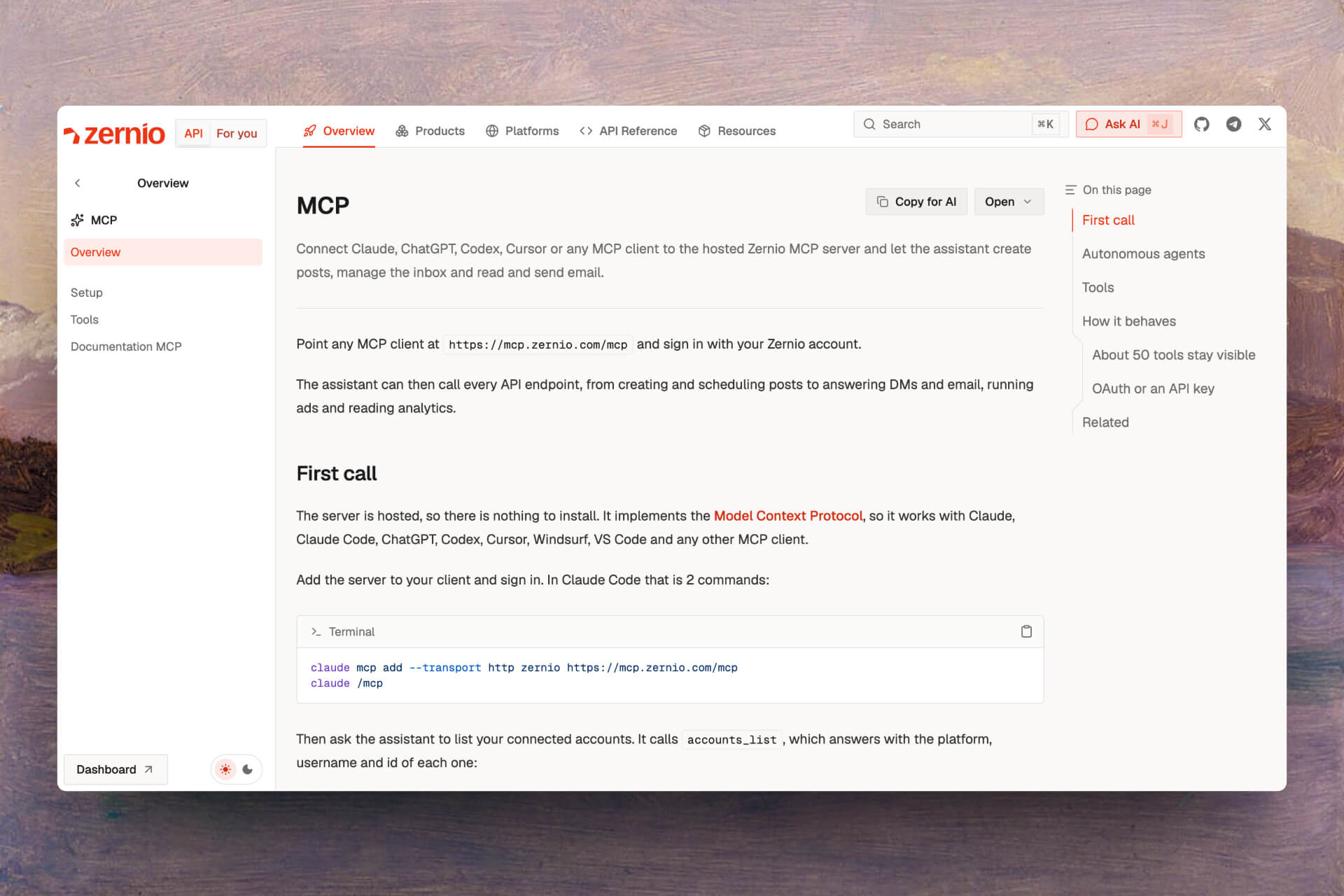
Zernio documents a hosted MCP alongside its API, with tools for publishing, queues, validation and account health. Agents can use an API key to connect without signing in through a browser. If you use Zernio in your own product or workflow, plan to build the review step and manage the key yourself. Zernio MCP docs · Zernio pricing
7. Blotato for n8n and Make
Blotato includes API and MCP access on paid plans. Both n8n and Make need an API key. You can try the web app first, but generating a key starts the paid subscription immediately. Check each network's posting limits before queuing a large batch. Blotato pricing and trial terms
What does it cost to schedule 1,000 posts across five accounts?
For five accounts, PostPiper lists 1,000 successful posts for $10 per month, PostEverywhere lists unlimited posts on its $19 Starter plan, and Postiz lists unlimited monthly posts on its $29 Standard plan. Before budgeting for all 1,000 posts, check that the destinations support your formats and that their own limits allow that volume.
| Tool | Entry offer | Five-account cost or constraint |
|---|---|---|
| Postiz | $29/month hosted after a seven-day trial | $29/month for five channels and unlimited monthly posts |
| PostPiper | 30 one-time post credits | $10/month for 1,000 successful posts, with unlimited connected accounts. $25/month for 3,000 |
| Buffer | Free for three channels | Essentials starts at $5/channel/month billed yearly. Five channels at that rate total $25/month equivalent |
| Metricool | Free for one brand and 20 monthly posts | Paid plans price by brand. Check the network mix, publishing policy and X add-on |
| PostEverywhere | Lite $9/month for two accounts | Starter $19/month for five accounts and unlimited scheduled posts |
| Zernio | Two accounts free | Five accounts total $18/month at the listed $6 rate for each of three paid accounts. Pricing lists unlimited posts |
| Blotato | Creator $29/month for paid API and MCP | Check per-network limits against your mix before budgeting for 1,000 posts |
Prices in USD, checked November 11, 2026. AI-client subscriptions are separate. A queue cap measures pending posts. A publishing allowance measures posts over a billing period.
How to check an agent workflow before you switch
Try the same post on each tool you're considering. Start with a draft, schedule it, and check its status after the scheduled time. A scheduling receipt confirms the post is in the queue. Look for a published status and open the post on the destination network if the tool returns a link.
| Check | What to verify |
|---|---|
| Connection | The intended AI client can call write tools under your account or workspace settings. |
| Workflow | The agent can create a draft, attach the intended media, change the time and read the resulting status. |
| Approval | The reviewer sees the exact text, media, destination and time zone before the write action. Check whether this is a client prompt or an enforced team permission. |
| Platform | The exact account and format work, including any platform-specific media rules. |
| Cost | The plan fits the number of destinations, peak queue size and monthly publishing volume. |
A Claude user running multiple connectors asked, “how do you stop the model picking the wrong scheduler for a post?” Name the scheduler and destination account in the request, then check both in the review step. ClaudeAI discussion
For a first run in Claude, connect a test social account in PostPiper. Add https://mcp.postpiper.ai/mcp as a custom connector and sign in through OAuth. Use the connection guide for client-specific steps. Then try:
- “List my connected accounts. Use only the LinkedIn test account.”
- “Create a draft announcing our release. Show me the draft and ask before scheduling.”
- “Schedule the approved draft for Thursday at 9 a.m. America/New_York. Read back the saved status, destination and time.”
Frequently asked questions
Do I need MCP to let an AI agent schedule posts?
With the right permissions, an agent can schedule through MCP, an API, or a CLI. Use MCP if your client can connect directly to the scheduler's tools. If your code handles sign-in, approvals, and errors, an API or CLI can fit that workflow.
Can an AI agent publish without my approval?
Whether an agent can publish on its own depends on the scheduler's permissions and the AI client's tool settings. PostPiper's MCP tool instructions require confirmation before scheduling or publishing. If your team requires approval, test that the integration follows your workspace's rules before giving it write access.
Which agentic social media scheduler can I try for free?
PostPiper is an agentic social media scheduler with hosted MCP access on its Free plan and 30 one-time post credits. From an MCP-compatible AI client, you can create drafts for X, LinkedIn, and TikTok and approve them before scheduling. Buffer has an ongoing free queue for three channels, with up to ten scheduled posts per channel. For analytics, Metricool includes MCP on Free with one brand and 20 posts per month.
Which option can I self-host?
You can self-host the Postiz scheduler. Postiz also documents its official hosted MCP. Before you deploy, check what it takes to connect each network. Factor in upgrades and maintenance when comparing costs with a managed plan.
For client-specific choices, see our ChatGPT and Claude scheduler comparison. For help planning the content before you queue it, see the weekly scheduling guide.